
Planning Center data. A more connected church.
Keep managing events and groups in Planning Center. Display.Church helps you turn that information into calendars, group displays, sign-up views, and event alerts for your website.
Available data, filters, and registration actions depend on your connected Planning Center products and permissions.Your Planning Center information. Ready for your website.
Events where people look
Publish connected event views without maintaining a second website calendar.
Groups and sign-ups
Help people explore groups and find Planning Center registration forms.
Relevant to your community
Use the available tags and group filters to focus your displays.
See how Display.Church works.
A focused calendar for each ministry.
Keep managing event details in Planning Center. Build displays that help each ministry share the events relevant to its community.
- Use available tags, tag groups, groups, and approval-status filters.
- Choose how hidden and group-specific events appear, where supported.
- Keep displays connected through scheduled or manual updates.
From discovering a group to finding a form.
Bring supported Planning Center groups and registration forms into their own displays, alongside your calendar and event alerts.
- Focus group displays with available types, locations, tags, and statuses.
- Link supported event actions to Planning Center sign-up forms.
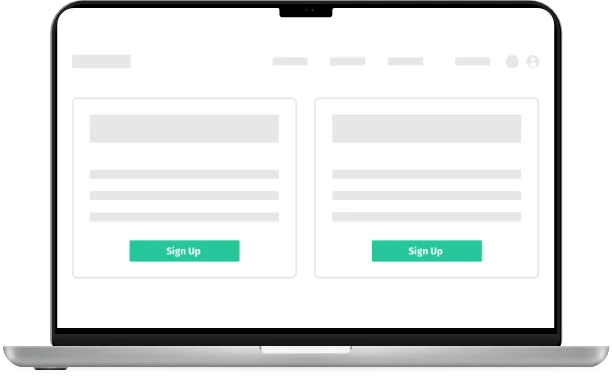
- Use a dedicated sign-up display to help visitors find registration opportunities.
What you can display
with Planning Center.
Calendars
Choose a layout, customize the design, and publish connected events on your website.
Explore calendarsGroup displays
Help visitors explore the groups available through your connected account.
Explore group displaysEvent alerts
Give selected upcoming events attention with a banner on your website.
Explore event alertsSign-up forms
Bring Planning Center registration forms into a dedicated display.
Explore sign-up formsAvailable fields, filters, groups, and forms depend on your connected Planning Center products and the permissions you grant.
Connect. Customize.
Share with your church.
Connect Planning Center
Open Integrations in Display.Church and authorize the Planning Center data needed for your displays.
Choose the display and its content
Select a calendar, group, form, or alert display. Apply supported filters and customize the design.
Publish and share
Add the display to your website or use a hosted link where supported. Keep editing the original information in Planning Center.
Explore the integration.
Check the supported source and find the setup guidance for your church.
Loved by real churches
Hey! I am actively using and enjoying your Calendars! Using PCO is a breeze! It hooked up easily and has lots of customization options to tweak. I also love that your team seems to be continually making it better all the time.

The calendar product works great! We use it for our events as well as for our Bible readings. The best feature for me is to be able to make the changes in Planning Center and then quickly sync them to see them in our website.

It has saved us time by being able to enter the data once, probably around 5 hours each week on the whole.

Which permissions do we need?
The connection uses Planning Center permissions for the data you choose to use, including calendar and group information. Follow the integration guide to select the appropriate access for your displays.
Where do people complete registration?
Supported event actions and sign-up displays link visitors to Planning Center forms. Registration is completed through the linked form.
How often does the information update?
Scheduled sync frequency depends on your Display.Church plan. You can also trigger a manual sync. Keep the original event information updated in your source account.
See how the options compare.
Review native sharing alongside the website display options Display.Church adds to your existing workflow.