One of the biggest challenges with church communication isn’t just getting people to see events—it’s getting them to remember and attend.
That’s why we’re excited to introduce a powerful new feature in Display.Church:
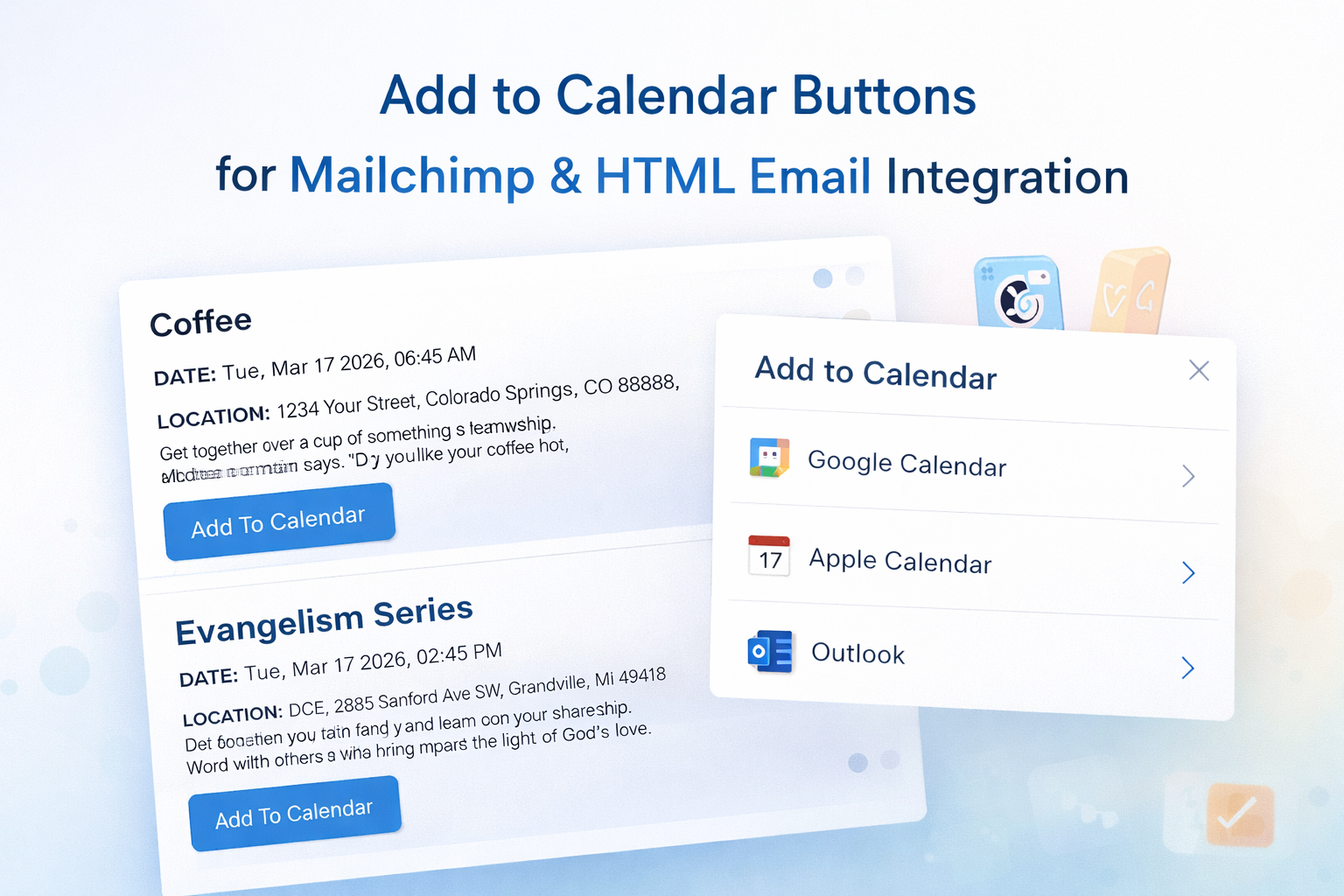
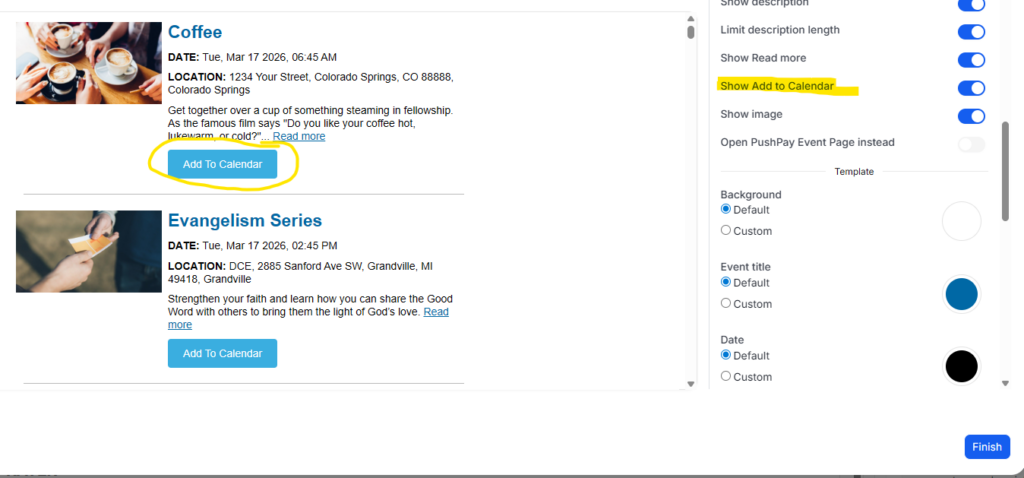
📅 Add-to-Calendar Buttons in Email Templates
You can now include Add-to-Calendar buttons directly inside your event emails, whether you’re using:
- Mailchimp
- ChurchBee
- Constant Contact
- Any HTML-based email platform
This feature is automatically included when you generate event blocks from Display.Church and embed them into your emails.
Why This Matters
Most newsletters are passive.
People scroll, skim, and move on.
But with Add-to-Calendar, your emails become interactive and actionable.
Instead of just reading about an event, your audience can:
- Add it to their personal calendar instantly
- Receive reminders on their phone
- Stay committed to attending
This simple shift can significantly increase event attendance and engagement.
How It Works
When you embed events using Display.Church email templates:
- Each event includes an Add-to-Calendar option
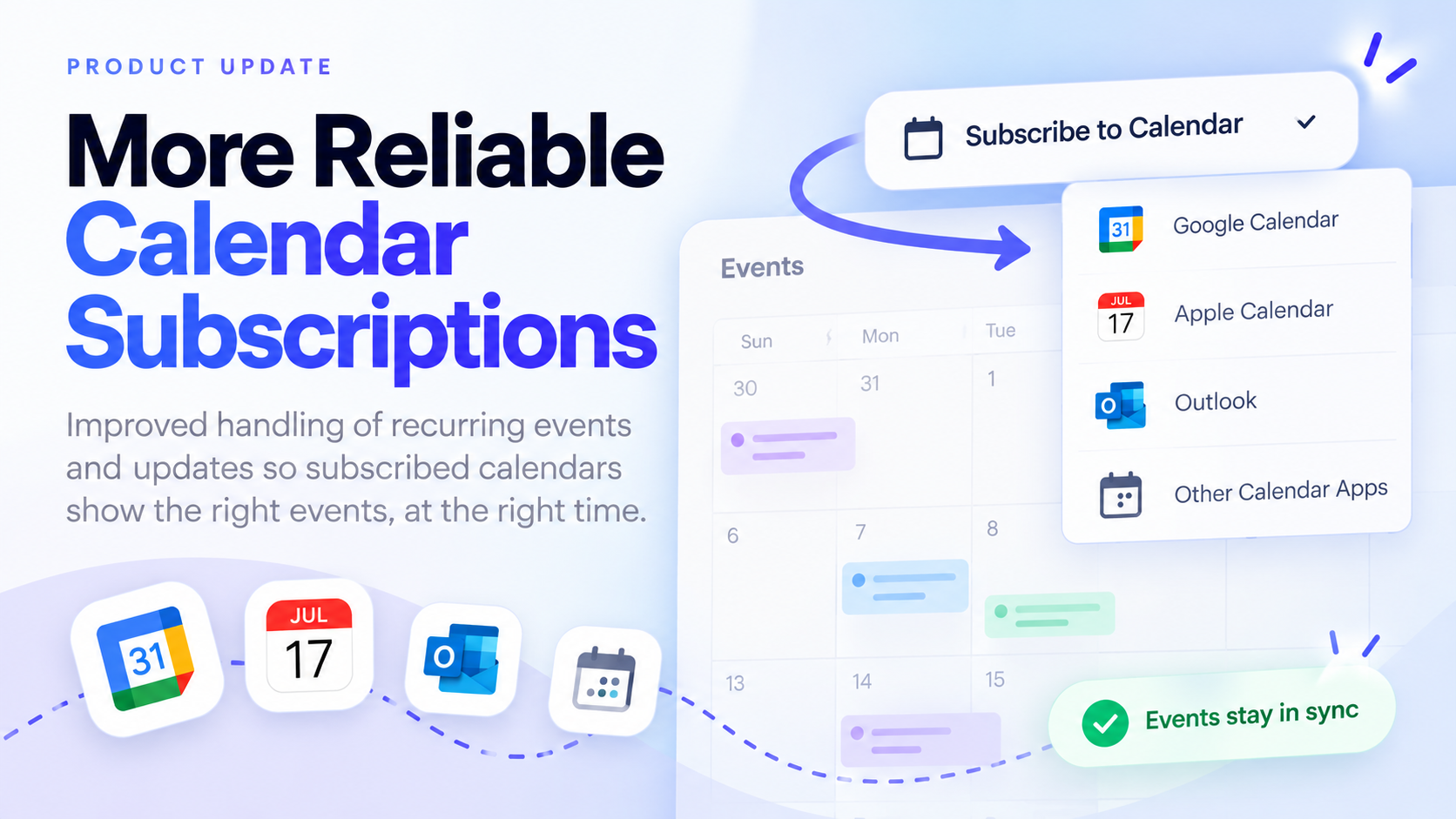
- Users can choose their preferred calendar:
- Google Calendar
- Apple Calendar
- Outlook
- The event is saved directly to their device
No extra setup is required for your audience—it just works.
Works with Evergreen and Static Emails
This feature works seamlessly with both:
Evergreen Emails
Automatically display the latest upcoming events every time the email is sent.
Static Emails
Perfect for special campaigns like:
- Conferences
- Holiday services
- Event series
In both cases, recipients can take immediate action by saving events to their calendar.
Designed to Work with Your Workflow
This feature fits directly into your existing process:
- Create or sync events inside Display.Church
- Generate your email template
- Copy and paste into your email platform
- Send
No manual formatting. No extra steps.
Turn Emails Into Action
Adding events to a calendar is one of the strongest signals of intent.
With this update, your church communications can move beyond awareness and into real participation.
Start Using It Today
If you’re already using Display.Church:
- Go to your widget or calendar
- Select the email template option
- Copy and paste into your email builder
Your events will now include Add-to-Calendar functionality automatically.
👉 Learn more about Display.Church
https://display.church