Why use an Event Alert?
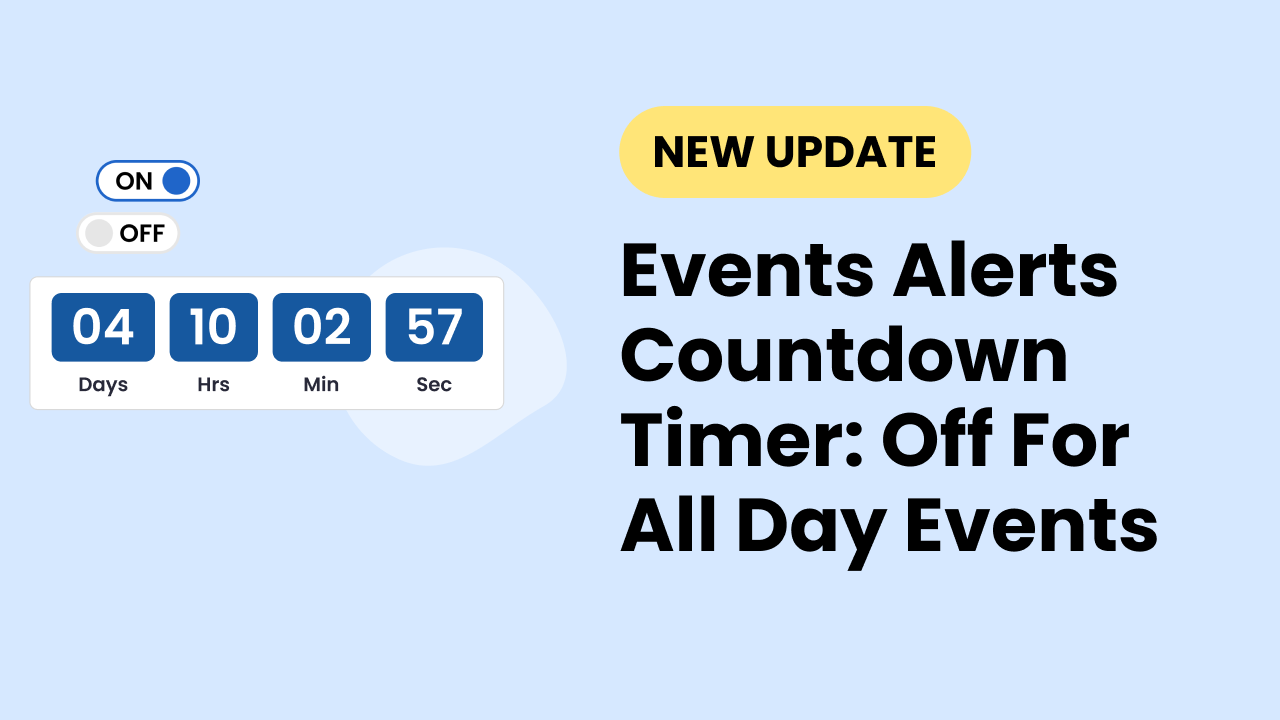
Including a countdown timer in your Display.Church event alert will help people engage with your church happenings. Countdown timers make it very clear when your event is taking place. This encourages people to act sooner rather than later, when they might risk missing something they would want to participate in.

Event Alert Countdown Timer
Client feedback: When don’t you want a countdown timer?
For all-day happenings, a timer may not be relevant. Roger Waiter pointed this out in our feedback channel. Roger shared: “I would like to be able to shut off the countdown timer for All Day Events. Nothing is going to start at 12 am.” His request received two upticks, showing that we should take a look.
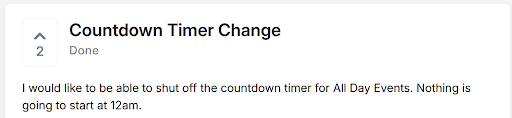
Client feedback
Improvement
We are pleased to let you know that for All Day Events, no countdown timer will show even if it remains toggled on. In other words, Display. Church will override the toggle.