We’re excited to announce that custom subdomains are now available for Display Church.
This update gives your church more control over how your event links and hosted pages are shared — while keeping setup simple and beginner-friendly.
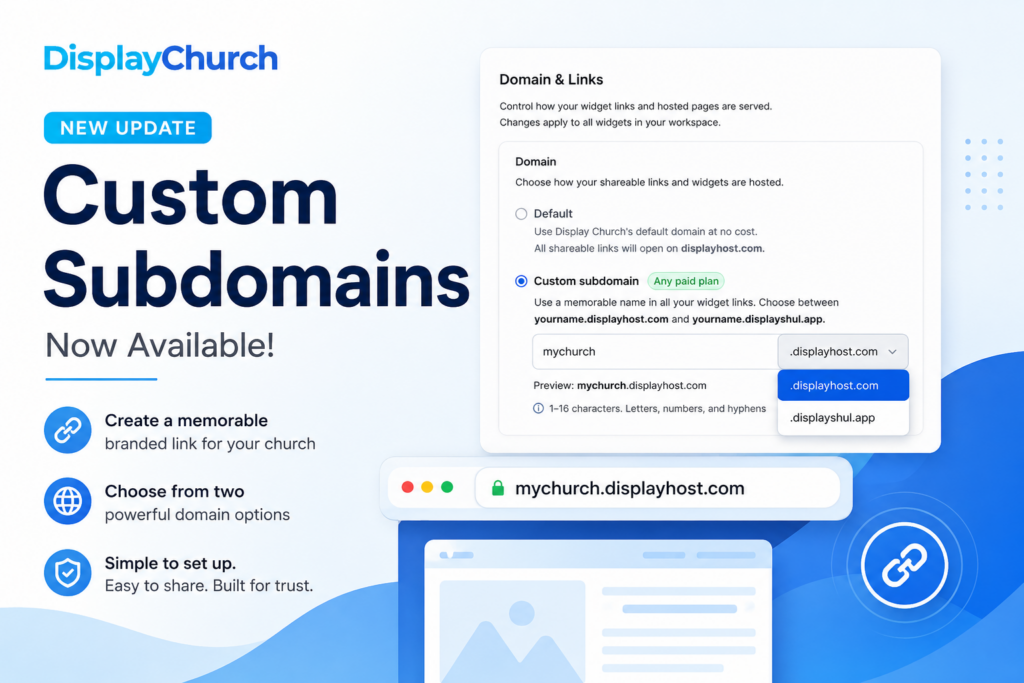
Instead of using only the default Display Church link structure, you can now create a memorable branded subdomain for your workspace, such as:
mychurch.displayhost.com
or
mychurch.displayshul.app
This is another step toward giving churches, ministries, and organizations more ownership over how their events appear online.
 What’s New?
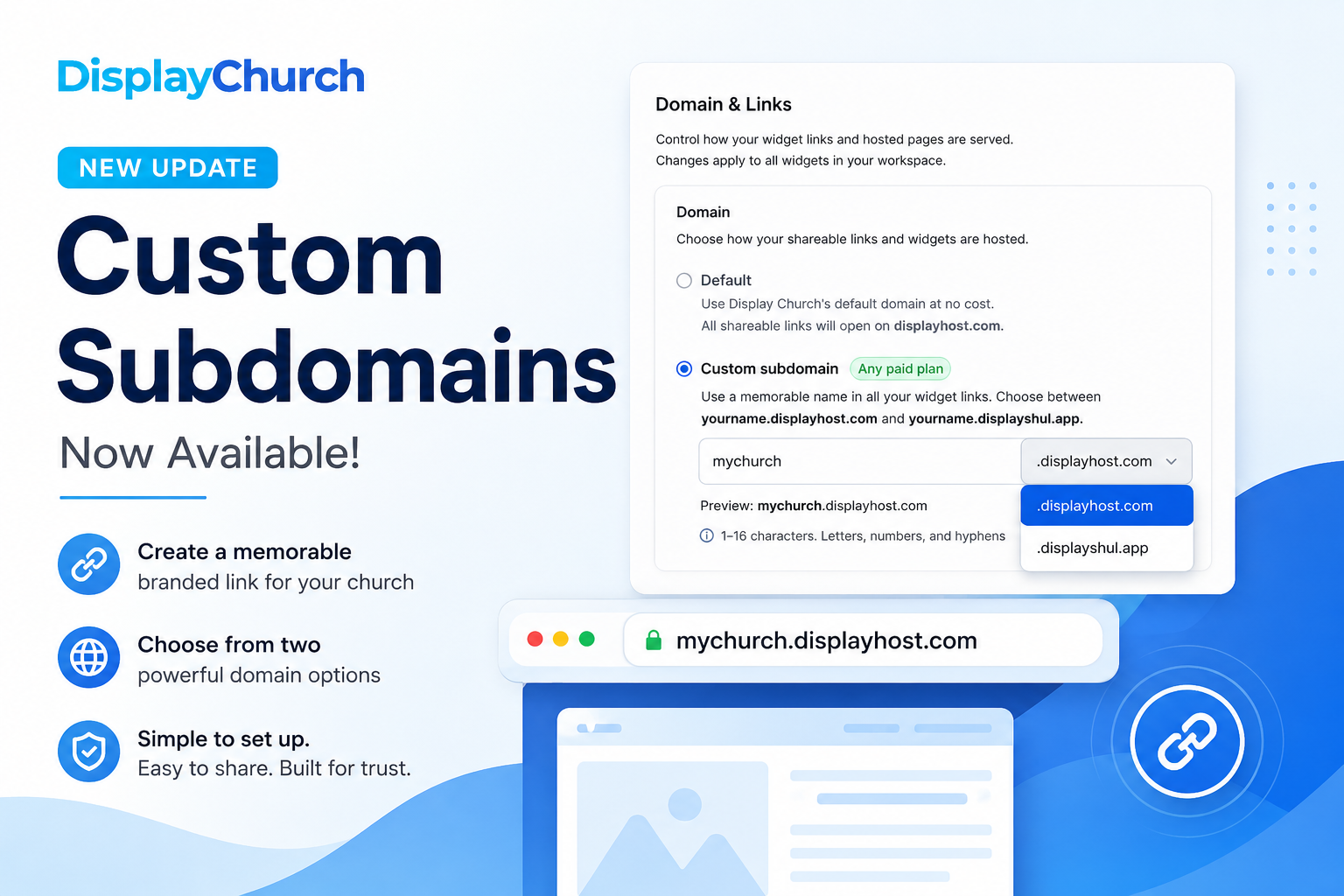
Display Church now supports custom subdomain names for your shared widget links and hosted event pages.
That means your church can choose a unique name that appears in your public links.
For example, instead of a generic link, your church can use something like:
houstoncentral.displayhost.com
or
mychurch.displayshul.app
This makes your links easier to recognize, easier to share, and more aligned with your church or organization’s identity.
Two Subdomain Options
You currently have two domain options available:
yourname.displayhost.com
and
yourname.displayshul.app
You can choose the one that best fits your audience, brand, or ministry context.
For most churches, displayhost.com will be the best general option.
For Jewish communities or organizations using Display Church in a synagogue or shul context, displayshul.app provides a more relevant branded option.
Why This Matters
Your event links are often shared in emails, text messages, QR codes, newsletters, social media posts, and on your church website.
A clean, memorable link helps people feel more confident when clicking and sharing.
Custom subdomains can help:
• Make event links easier to recognize
• Improve trust when people click shared links
• Keep your church brand more visible
• Make QR codes and public pages feel more official
• Create a smoother experience for members and visitors
This is especially useful if your church regularly shares event pages outside of your main website.
How to Set Up Your Custom Subdomain
You can set this up directly inside your Display Church account.
Here’s how:
- Log in to your Display Church account.
- Go to your profile.
- Click Manage Workspace.
- Open Domain & Links.
- Choose Custom subdomain.
- Enter a unique name, such as your church name.
- Select either
displayhost.comordisplayshul.app. - Click Update subdomain.
Once saved, your shareable links and hosted pages will use your selected subdomain.
A Few Things to Know
Custom subdomains are available on any paid plan.
Your subdomain name must be between 1 and 16 characters and can include letters, numbers, and hyphens only.
This setting applies to your workspace, so your widget links and hosted pages will use the selected subdomain moving forward.
What About Fully Custom Domains?
Fully custom domains are coming soon.
That means, in the future, you’ll be able to connect your own domain, such as:
events.yourchurch.org
or
calendar.yourchurch.com
This feature is currently being tested, and we’ll share more details once it is ready.
For now, custom subdomains are the easiest way to give your Display Church event links a more branded and memorable home.
Built for Better Sharing
This update is part of our ongoing work to make Display Church more flexible, professional, and church-friendly.
Whether you’re sharing events through Mailchimp, your website, QR codes, social media, or direct links, your church now has more control over how those links look and feel.
Log in today and set up your custom subdomain under Manage Workspace → Domain & Links.