Keeping your church community informed shouldn’t require hours of manual work every week.
Yet for many churches, updating newsletters with upcoming events means copying, pasting, formatting—and repeating the same process over and over again.
That’s why we’ve made it easier than ever to embed events directly into your emails using Mailchimp or any HTML-based platform.
✉️ What Is Email Integration?
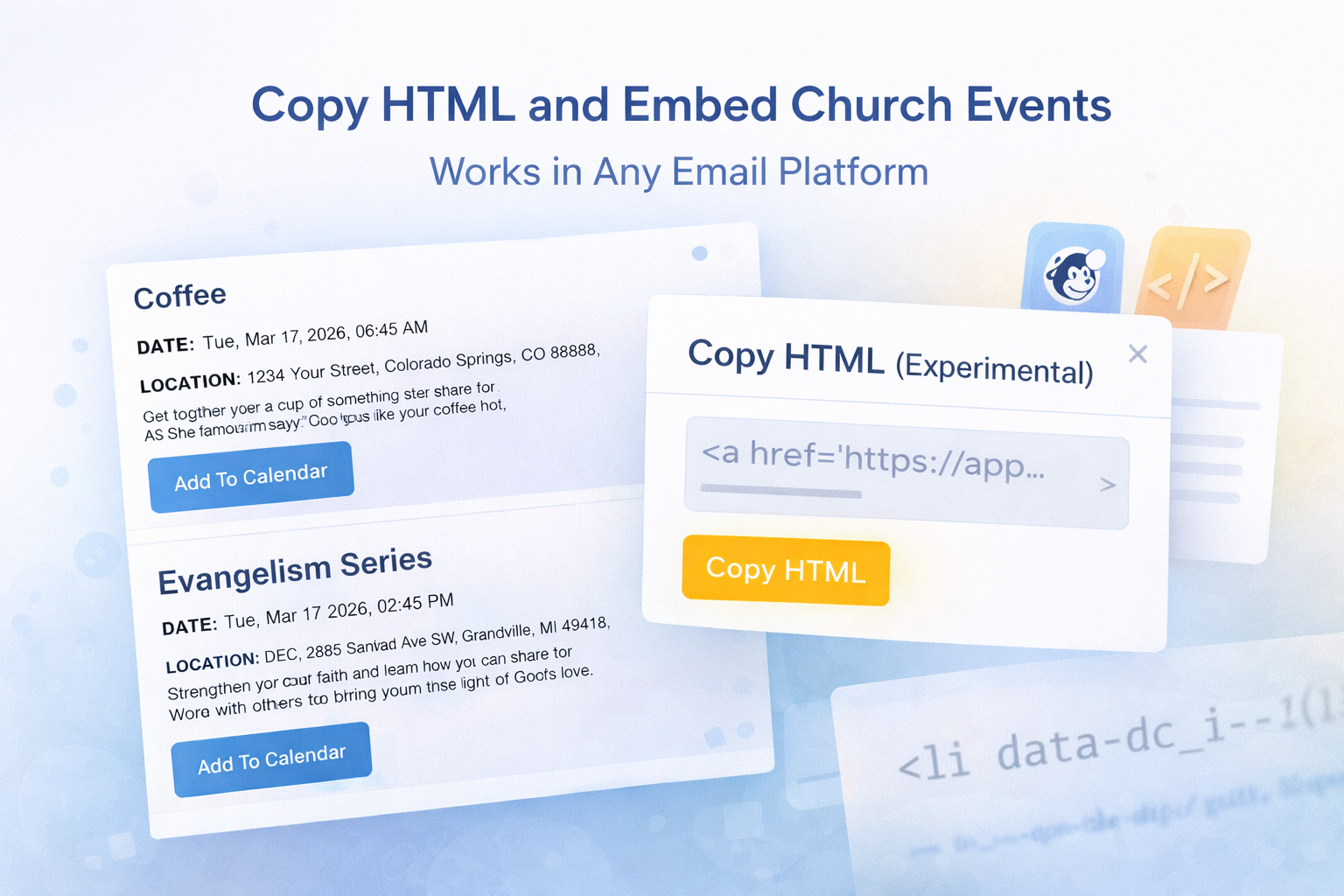
Display.Church allows you to generate ready-to-use event blocks that can be inserted directly into your email newsletters.
These event blocks automatically pull from your connected calendar and can be added to:
- Mailchimp
- ChurchBee
- Constant Contact
- Any email builder that supports HTML
No manual formatting. No duplicate work.
🧩 How It Works
The process is simple:
- Connect your calendar to Display.Church
- Customize your event display (filters, layout, etc.)
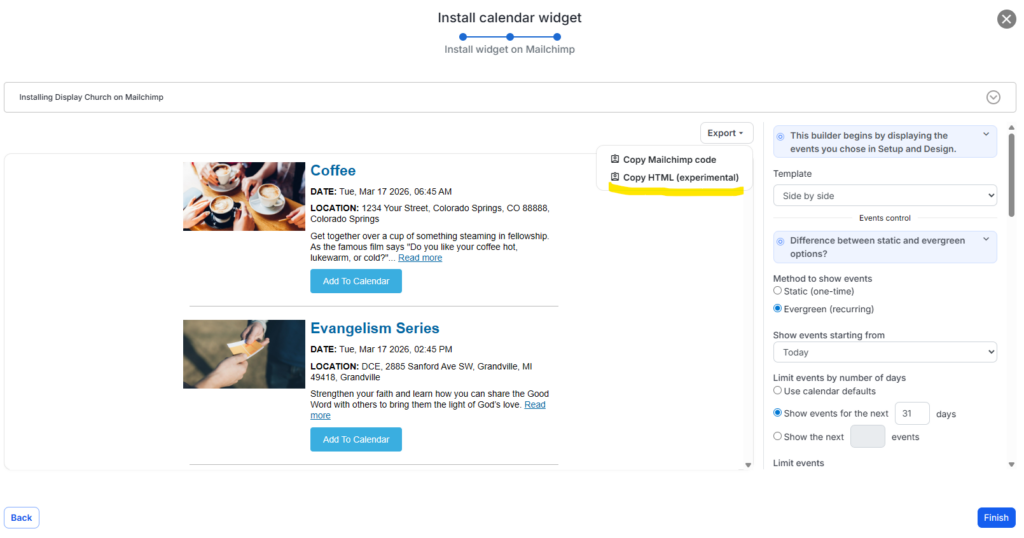
- Copy the generated HTML code
- Paste it into your email builder
Once added, your events will appear beautifully formatted inside your email.
🔄 Evergreen vs Static Options
You can choose how your event content behaves:
Evergreen (Auto-Updating)
- Always shows the latest events
- Updates automatically when the email is sent
- Perfect for weekly newsletters
Static (Fixed Content)
- Locks in specific events
- Ideal for special campaigns like:
- Conferences
- Holiday services
- Event promotions
This flexibility allows you to control how your events are presented depending on your communication needs.
🎨 Multiple Layout Options
Choose from different layouts depending on your style and audience:
- Side-by-side layout – Great for visual balance
- Stacked layout – Better for mobile readability
- Simple list (New) – Clean, minimal, and easy to scan
Each layout is designed to help your readers quickly understand what’s happening and take action.
📅 Built-In Add-to-Calendar Functionality
Every event can include an Add-to-Calendar button, allowing recipients to:
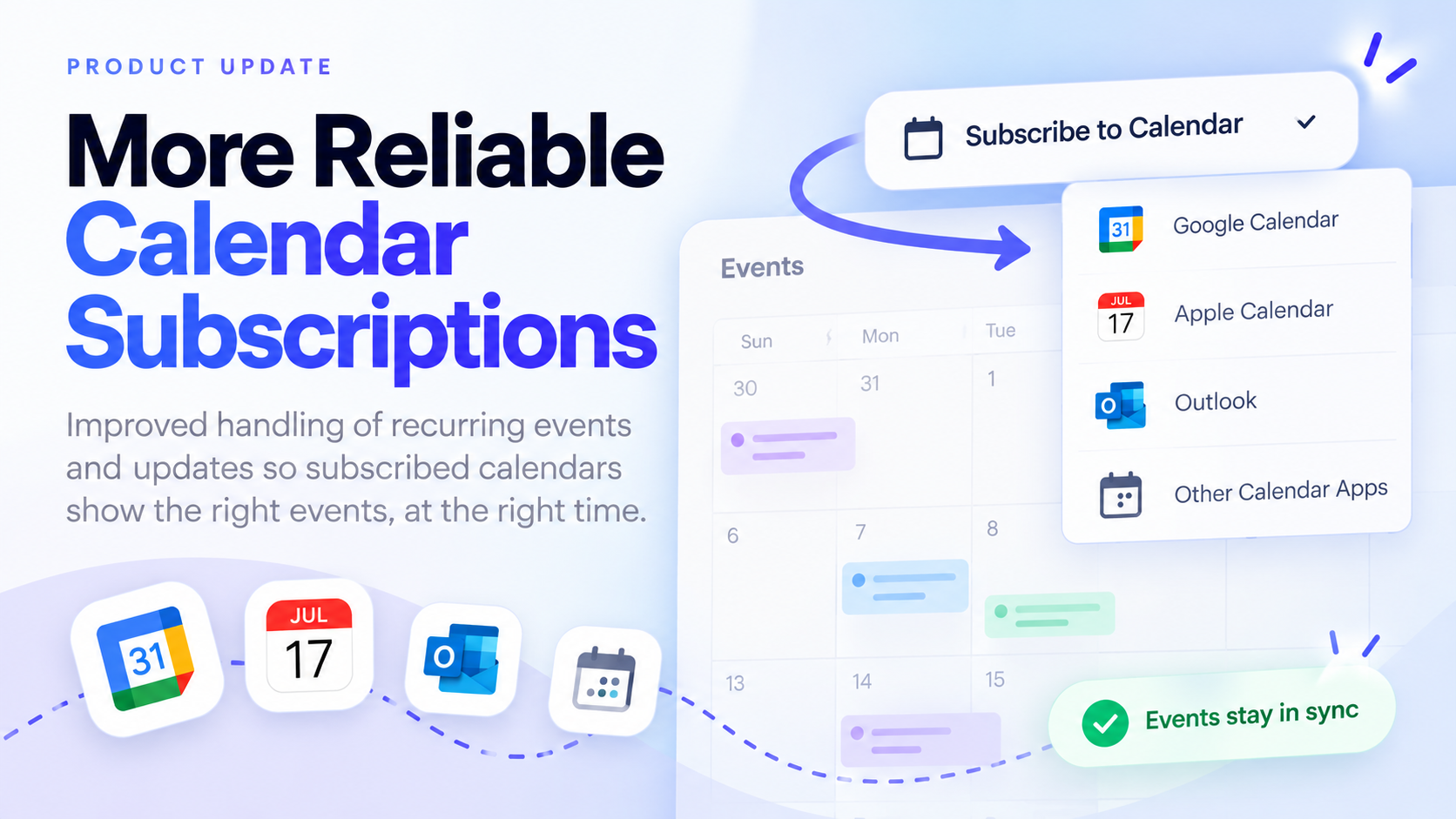
- Save events to Google Calendar
- Add to Apple Calendar
- Sync with Outlook
This turns your emails into more than just announcements—it makes them actionable.
When events land on someone’s personal calendar, they’re far more likely to attend.
⚡ Save Time and Reduce Errors
With email integration, you eliminate:
- Re-entering event details
- Formatting inconsistencies
- Outdated information
Instead, your events stay accurate, consistent, and up to date across your website and emails.
🔗 Works With Your Existing Workflow
You don’t need to change your current tools.
Simply:
- Manage events in your calendar (Google, Planning Center, etc.)
- Let Display.Church handle the formatting
- Paste into your email platform
That’s it.
🚀 Start Using Email Integration Today
If you’re already using Display.Church:
- Go to your calendar or widget
- Select the email integration option
- Copy the HTML
- Paste it into your email builder
Your events will automatically display in your emails—beautifully and consistently.
👉 Learn more:
https://display.church