We’ve just rolled out an important update to our MailChimp newsletter integration — one that gives you more flexibility when showcasing upcoming events.
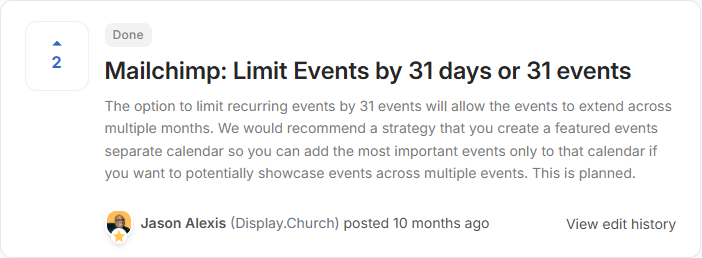
Until now, event widgets inside MailChimp were limited by the number of days into the future (capped at 31 days). While this worked well for many churches, it created limitations for those with:
- Featured event calendars
- Special events spread across several months
- Lower event frequency
- Multi-month campaigns
That changes today.
The Problem With Day-Based Limits
Previously, if you selected:
Show events for the next 31 days
Your newsletter would only display events happening within that future time window.
This worked well if you had frequent weekly events. But if your church had:
- 6 major events spread across 8 months
- 15 events across 4 months
- Or 20 events over 3 months
You could run into situations where your newsletter didn’t display everything you wanted — simply because it fell outside the day limit.
At the same time, we can’t allow unlimited event loading. Pulling too many events into an email would:
- Slow performance
- Increase server load
- Create heavy email markup
- Potentially affect deliverability
So we needed a better solution.
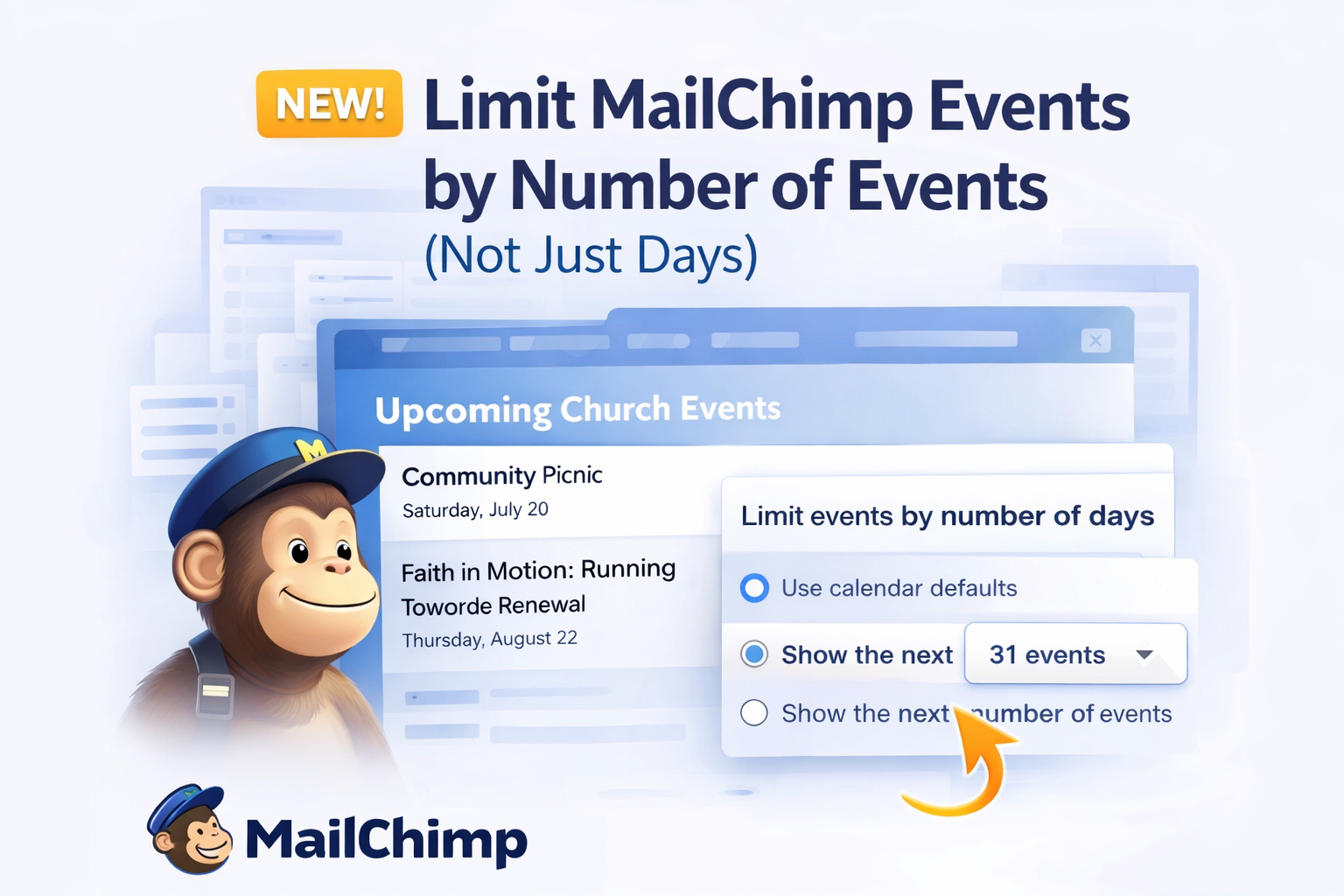
The New Option: Show the Next X Events
You can now choose:
- Use calendar defaults
- Show events for the next X days
- OR show the next X number of events (up to 31)
Instead of limiting by time, you can now limit by total event count.
This means:
- Your widget can span multiple months
- You control exactly how many events appear
- You’re no longer restricted by date ranges
- Performance safeguards remain in place
The cap remains at 31 events to protect system stability and email performance — but how those events are selected is now far more flexible.
Why This Matters
This update is especially helpful if you:
- Create “Featured Events” calendars
- Promote conferences or seasonal campaigns
- Want to showcase a curated list of upcoming events
- Have events that don’t occur weekly
Now, instead of asking:
“Will these events fall within 31 days?”
You can simply decide:
- Show the next 10 events
- Show the next 20 events
- Show the next 31 events
Clean. Predictable. Flexible.
Where to Find It
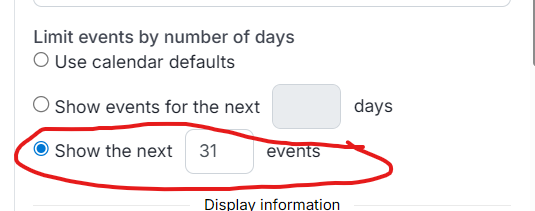
- Go to your MailChimp widget settings
- Locate Limit Events
- Select Show the next X events
- Choose your desired number (up to 31)
That’s it.
Built for Flexibility — Designed for Performance
We’re always balancing two priorities:
- Giving churches more control
- Protecting performance and reliability
This update accomplishes both.
You now have the flexibility to span multiple months in your newsletters — without risking heavy emails or server overload.
If you have ideas or feature requests, we’re listening.
— The Display Church Team