We’re excited to share a quiet—but powerful—feature we released recently that we think will be especially helpful for growing and multi-department churches.
What’s New?
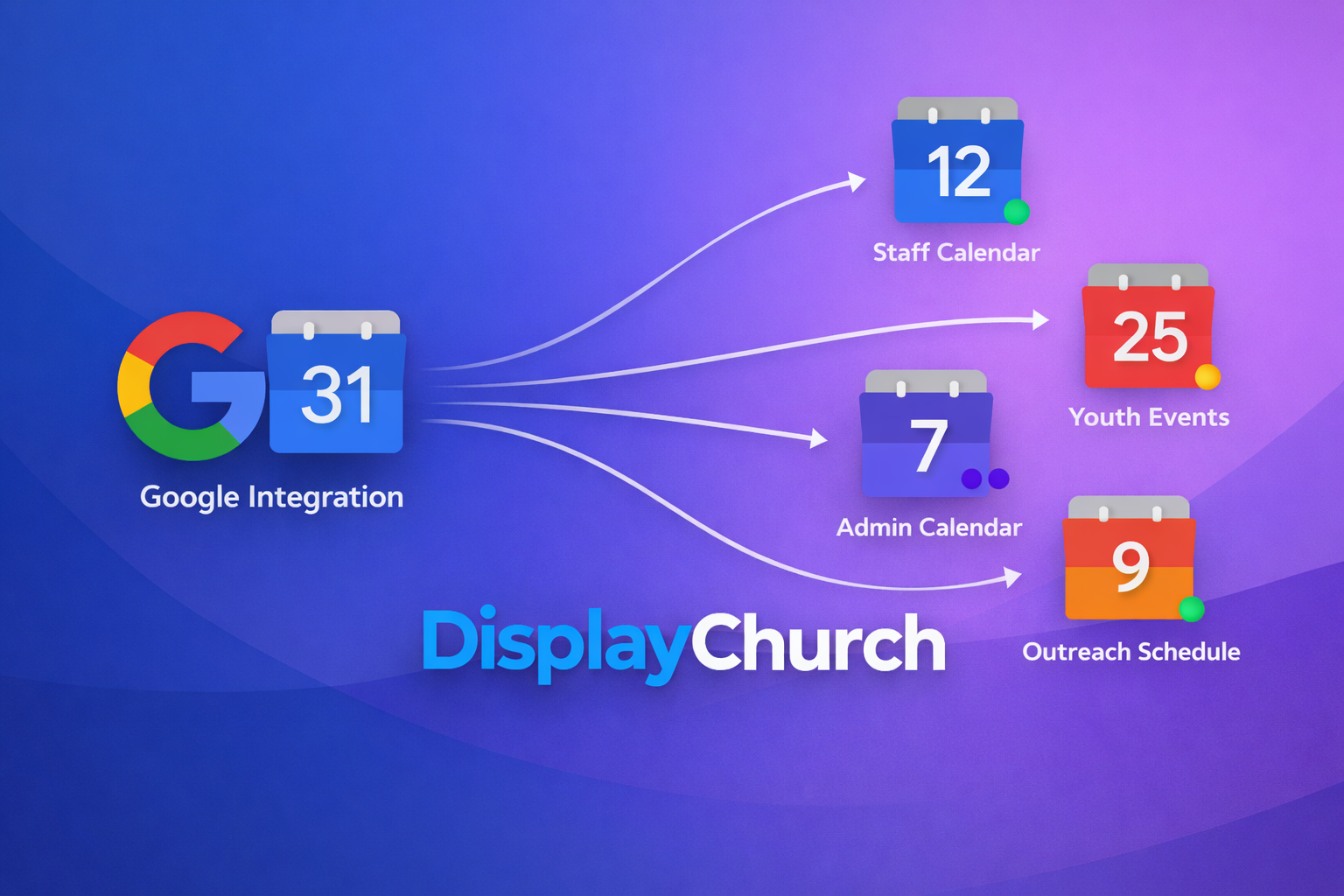
You can now add multiple integrations of the same type within your account.
Previously, each integration type (like CCB, Google Calendar, etc.) was limited to just one connection. Now, if you’re within your plan limits, you can add additional integrations of the same type—no problem.
What Does That Mean in Practice?
Here are a few examples:
- Have multiple PushPay/CCB accounts for different ministries?
→ You can now connect each one separately. - Use more than one Google Calendar across departments?
→ Each calendar can have its own direct integration. - Manage events or data for separate ministries or teams within the same church?
→ Each team can stay connected to the tools they already use.
The sky’s the limit.
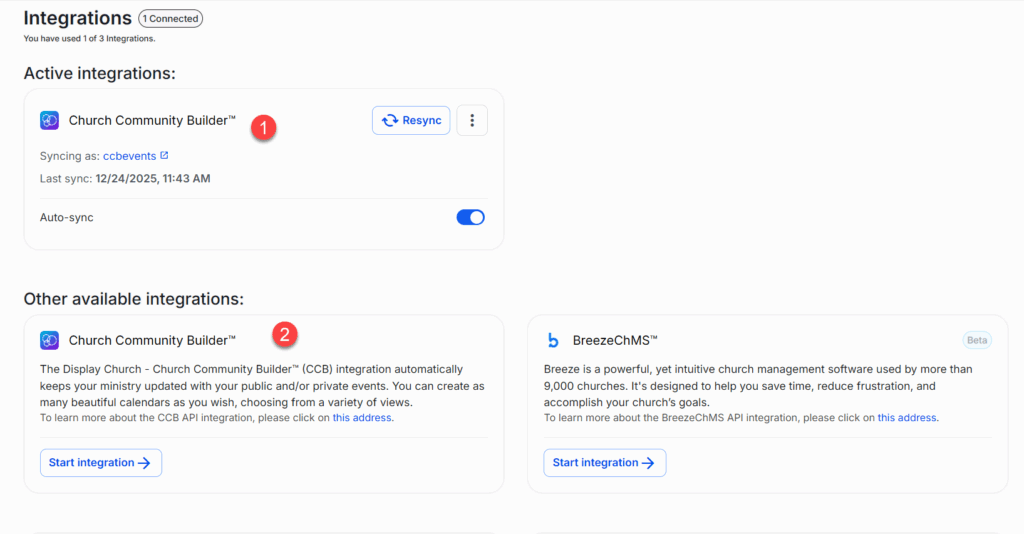
Multiple Integration
How It Works with Calendars & Events
Once you’ve added multiple integrations:
- When creating or editing a calendar, you’ll see a dropdown list of available integrations
- Each integration is clearly labeled with:
- The integration name
- A timestamp
- Additional identifying details
This makes it easy to choose the correct data source, even when multiple integrations are of the same type.
Who Is This Best For?
This feature is especially useful for:
- Medium to large churches
- Churches with multiple ministries or campuses
- Churches where departments manage their own tools (like separate Google Calendars or CCB accounts)
Instead of forcing everything into one system, you can