Cards
Worship togetherSun · 9:00 AM
Around the tableWed · 6:30 PM
A place to belongFri · 7:00 PM

Turn the events and groups in your church software into beautiful, always-connected experiences on your website.
One invitation. Easy to share.
You posted it. You emailed it. You mentioned it during weekend services. Help people find what’s happening when they’re ready to take their next step.
Update your church software. Then update your website.
Send another email with the same event details.
Answer the same questions all over again.
Keep using the church software you already know.
Give people a beautiful place to explore events.
Keep your website connected to the source.
Turn the information in your church software into a welcoming experience on your website. Here’s an illustration of three display styles; explore the demos to see real connected examples.
Help people find their next step. Bring your events, groups, and opportunities together, right where people are looking.
Turn your church calendar into an invitation. Beautiful event views that fit your website.
Explore calendarsMake small groups easier to discover. A welcoming way to turn visitors into community.
Explore groupsGive your next event a little more attention with timely alerts on your website.
Explore event alertsYour team already puts the work into your church software. Let that same information do more.
See it in actionLink your church software or Google Calendar. Start with the information you already have.
Choose a layout, fine-tune the colors, and create a view that belongs on your website.
Add the embed code to your site. Your events stay connected to their source.
Keep managing events in your existing software instead of maintaining another calendar.
Add a calendar, group listing, or event alert to the website your church already uses.
Explore calendar, card, and list layouts to find the right fit for your events.
Help people discover what’s happening from their phone, tablet, or desktop.
Give visitors useful ways to explore the events and groups that matter to them.
Bring groups, sign-ups, and event alerts into the same connected experience.
Display.Church automatically translates calendar dates and standard event-popup labels using your visitor’s browser language settings.
Available in English, Spanish, German, Greek, Hebrew, Polish, and Brazilian Portuguese.
 English
 Spanish
 German
 Greek
 Hebrew
 Polish
 Brazilian Portuguese
Connect Planning Center, Pushpay (Church Community Builder), Breeze Church Management System, or Google Calendar. Choose your integration to see how it works.
Give your growing community a clear place to find what’s next.
Find your fit 02Let the information you already manage do more of the work.
Find your fit 03Help people find their place across a busy church calendar.
Find your fitIt has saved us time by being able to enter the data once, probably around 5 hours each week on the whole.
Keep using your existing tools. Display.Church connects with Planning Center, Pushpay / CCB, Breeze, and Google Calendar. Visit the integration pages to check which features work with your source.
Connect your source, choose a display style, then add the embed code to your website. Your connected information supplies the events and groups.
Yes. The calendar demo lets you explore card, list, and calendar layouts. The live demo pages show examples connected to the Display.Church service.
Try the demosVisit the pricing page for plan information, or contact the support team if you need help choosing the right fit.
View pricing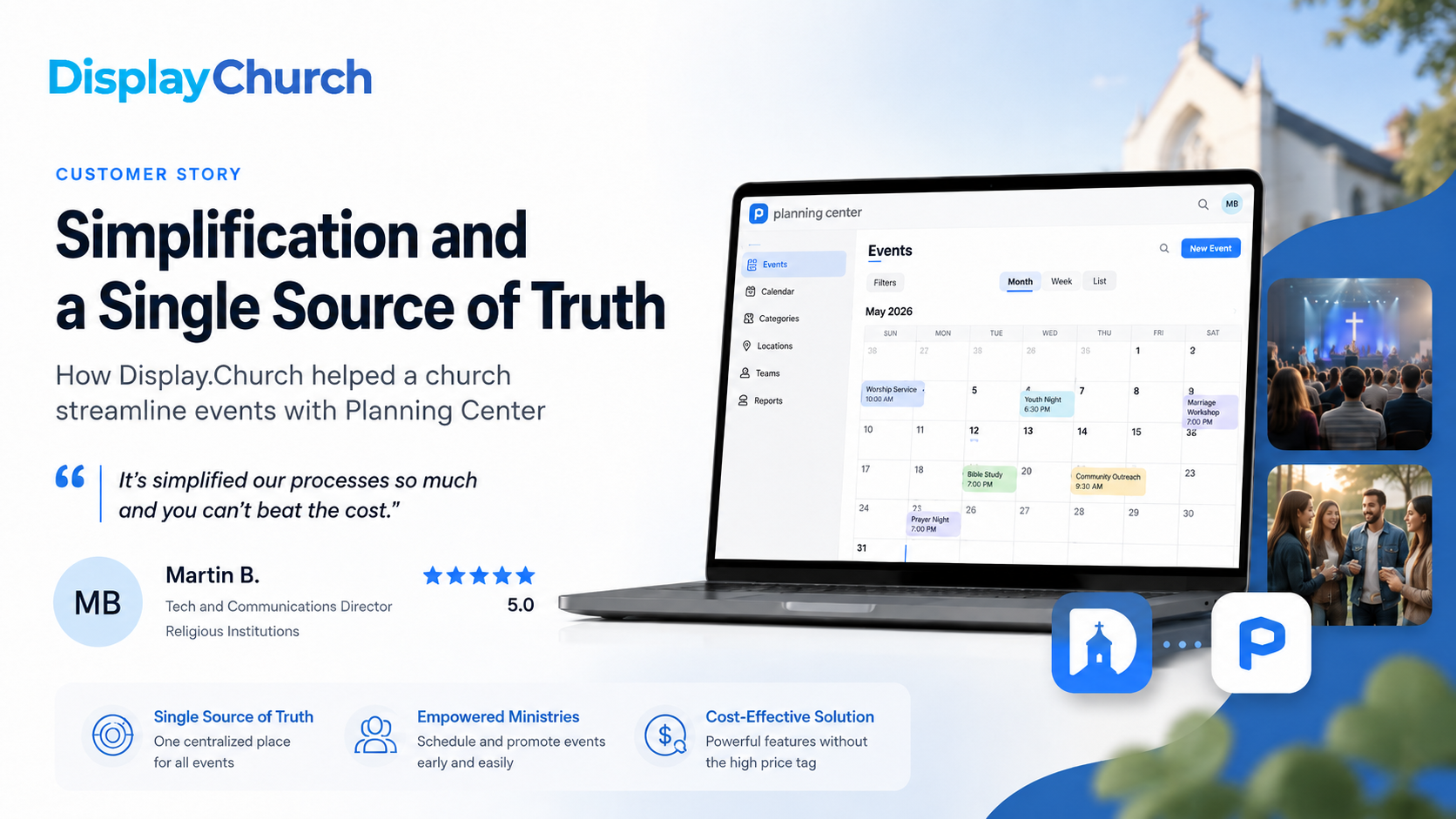
For many churches, keeping event information updated across the website, internal systems, ministry teams, and weekly communications can become a constant source of friction. One small change to an event can mean updating multiple places,…
Read the story
How Display.Church Helps Churches Thrive—No Matter Which Backend They Use. For more than a decade, I’ve helped churches modernize their communication and event strategies. As one of the co-creators of Display.Church, you might expect the…
Read the story
Jewish Community of Amherst (JCA) needed a solution that could keep pace with their dynamic and detailed programming schedule.
Read the story