Start with the questions a guest will ask
A holiday graphic can create interest while leaving practical questions unanswered. Which gathering is this invitation for? Is the advertised time the start of the service or the time doors open? Where should a family go when they arrive?
Create one information page that answers those questions in ordinary language. Keep its address stable while the details change. Link your newsletter, event listing and social invitation to that same page.
Write a separate line for each gathering
Avoid a single image that squeezes several dates and locations into small type. Give every gathering its own heading, date, start time and location. Add a time zone when you expect online visitors or people traveling from another region.
If a holiday gathering replaces a regular weekend service, say that plainly. If the normal schedule continues, say that too. Do not make someone compare an old homepage graphic with a new calendar entry to work out which is correct.
Describe arrival, not just the street address
Include the street address and the entrance guests should use. Add a short parking note and any verified access information that affects arrival. Ask the people who manage the building to confirm these details before posting them.
Explain the actual children’s arrangements for that gathering. If children stay with their families, say so. If check-in is available, name its location and opening time. Leave out services your team has not confirmed.
Keep a short information block ready
Use this template for each gathering. Replace every bracket before sharing it:
[Gathering name]
[Day and date] · [Start time and time zone]
[Street address] · Enter through [entrance]
Doors open: [time, if relevant]
Children: [confirmed arrangements]
Parking and access: [short verified note]
Questions: [public church contact or contact-page link]
Put essential details in page text, even when the same information appears in artwork. A phone visitor should be able to read the time and copy the address without enlarging a flyer.
Give changes one clear owner
Choose one person to maintain the information page and one backup. Agree on where they receive changes from ministry and facilities leaders. Update the source record first, then check every place that displays or links to it.
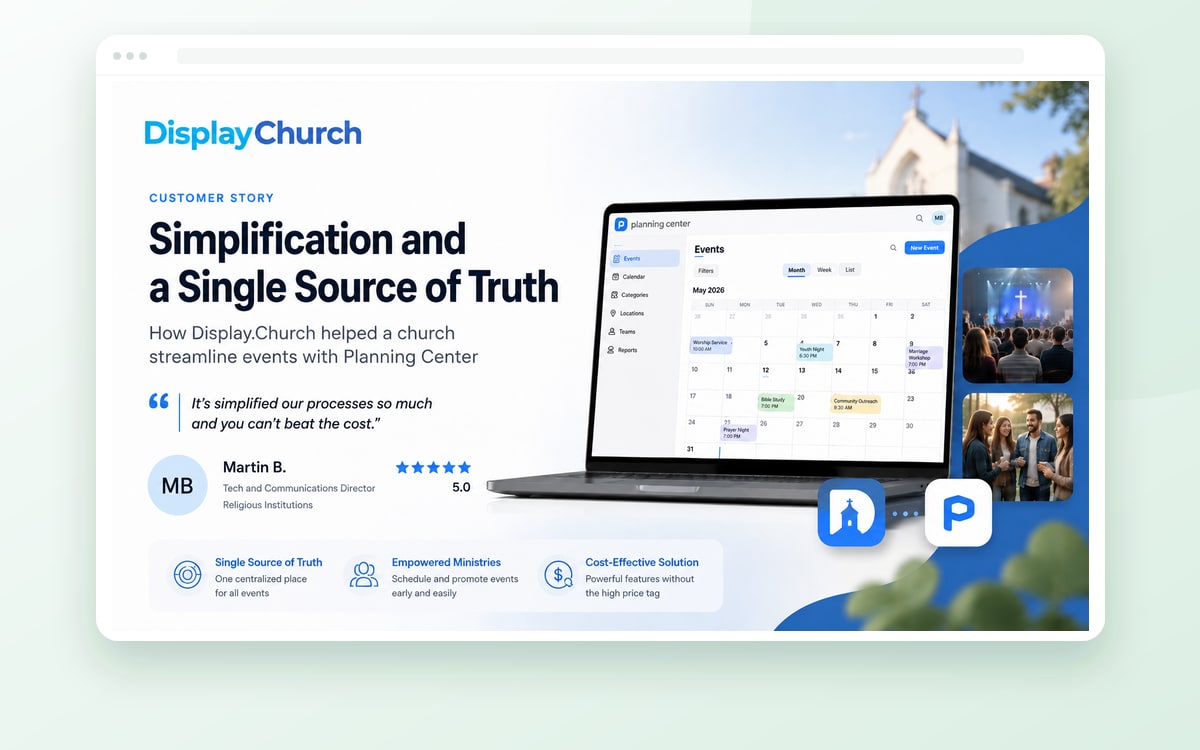
Display.Church can bring supported calendar information from your church’s source onto its website. Scheduled sync frequency depends on the plan; a manual sync is also available. Filters and event actions vary by integration, so check the options for your source rather than assuming every connection works identically.
Before sharing the invitation
- Confirm each gathering’s date, time and location with the responsible leader.
- Check the entrance, parking and children’s information with the teams providing them.
- Open the page on a phone and read it without zooming.
- Follow each invitation link to the same current page.
- Check the displayed information again after any schedule change.
- Set a date to remove seasonal notices and restore the regular schedule.
Clear information is part of a welcome. Make it easy for someone to arrive with confidence.